Settings Overview
All the settings of FXCanvas are in one Settings window. The window lists the categories in a sidebar on the left, under a Categories header. Two separators split the eighteen categories into three groups: the application, the inputs and outputs, and the account. This page is a map of each category, and it tells you where to read more.
To open Settings, select Edit → Settings, or press Ctrl+,.
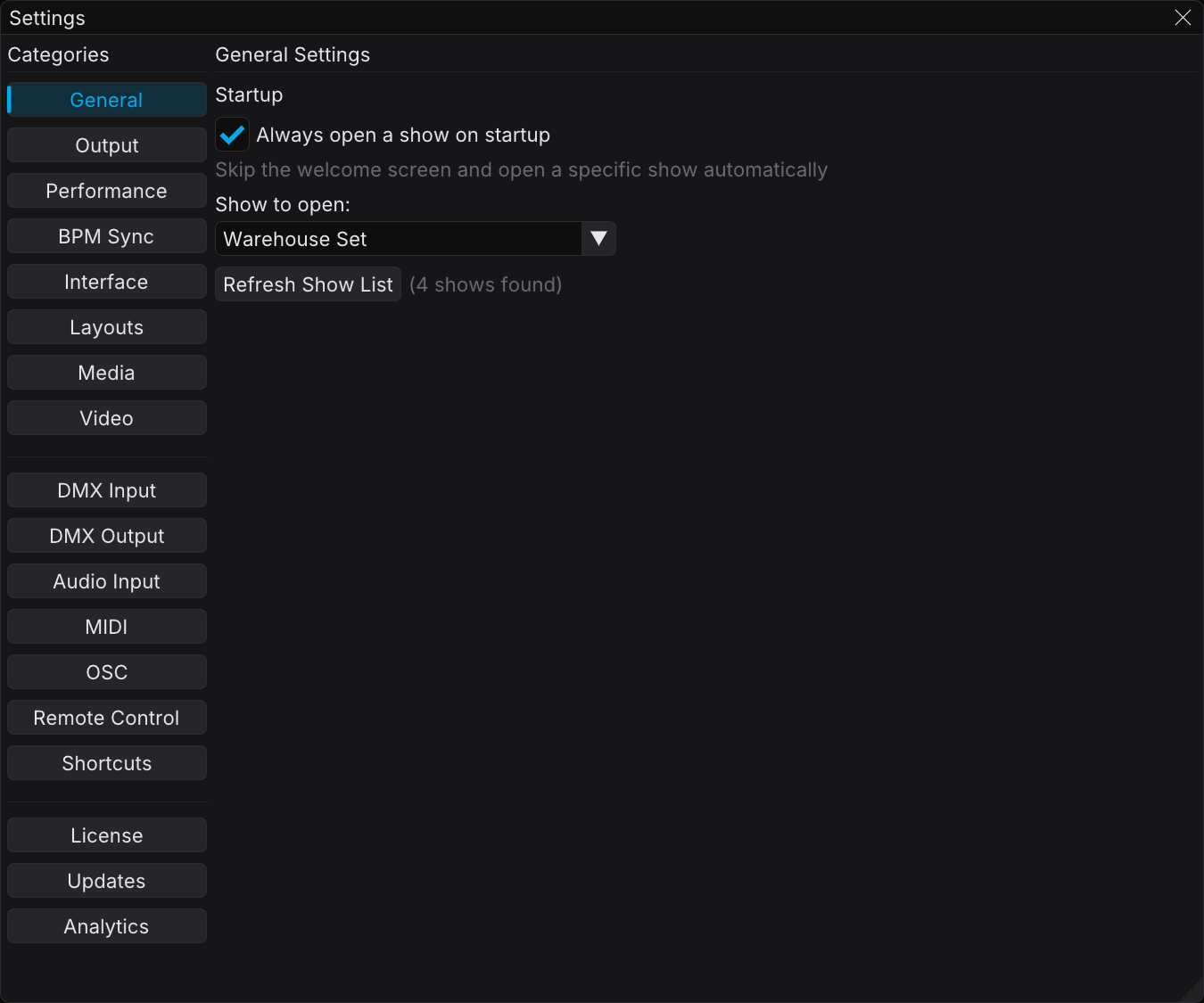
The Categories
The table follows the order of the sidebar.
Application
| Category | What it configures | Learn more |
|---|---|---|
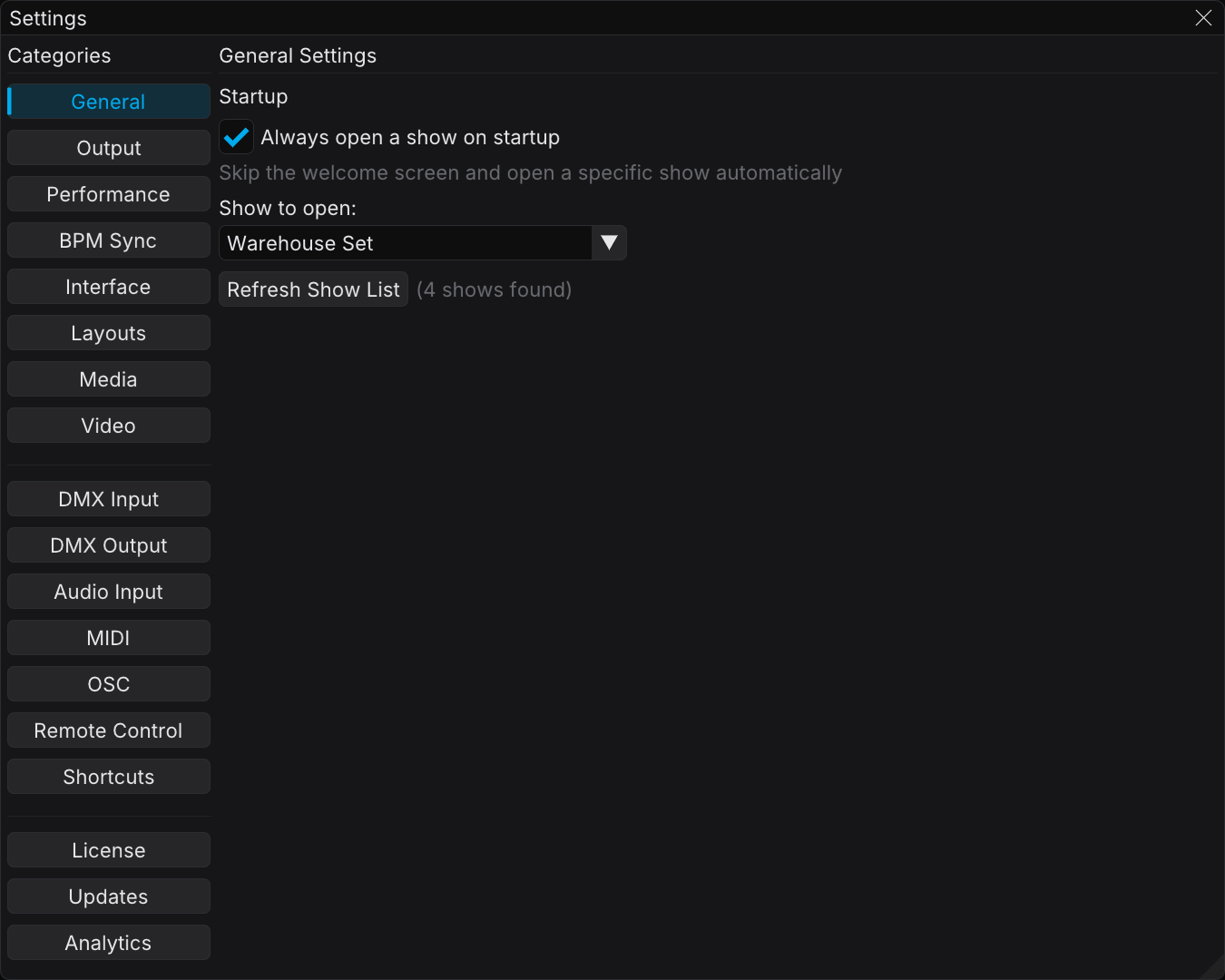
| General | The show that FXCanvas opens at startup | — |
| Output | Which output types are enabled, and whether the system can sleep | Outputs |
| Performance | The target frame rate, and the live FPS / CPU / GPU read-out | Performance Monitoring |
| BPM Sync | The Quick Set BPM row and its values | BPM Sync |
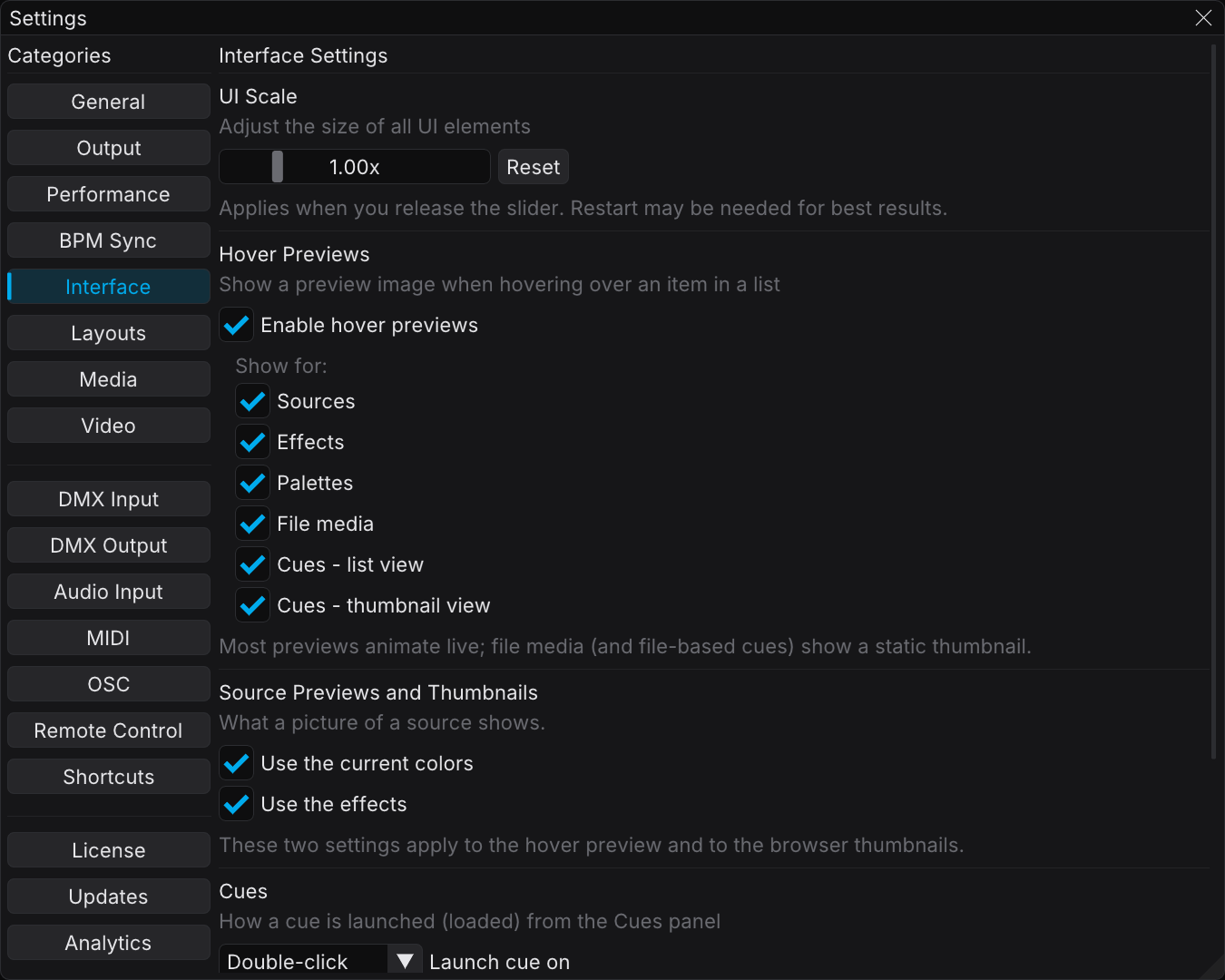
| Interface | UI scale, hover previews and what they show, the cue launch gesture, and the preview background | — |
| Layouts | Save and recall workspace layout presets | Workspace Layouts |
| Media | Folders for the video and image media library | Video Playback |
| Video | Live video input devices and hardware decoding | Video Inputs |
Inputs and outputs
| Category | What it configures | Learn more |
|---|---|---|
| DMX Input | Art-Net color input and GDTF profile generation | DMX Input |
| DMX Output | Pixel-mapped DMX output over Art-Net / sACN | DMX Output & Mapping |
| Audio Input | The audio capture device and audio-reactive analysis | Audio Input |
| MIDI | Select MIDI clock and control devices | MIDI Mapping, MIDI Clock |
| OSC Pro | Enable the OSC API and set its port | OSC API |
| Remote Control Pro | Enable the REST API for Stream Deck / Bitfocus Companion | REST API |
| Shortcuts | Keyboard, MIDI, OSC, and REST mappings and profiles | Keyboard Shortcuts, MIDI Mapping |
Account
| Category | What it configures | Learn more |
|---|---|---|
| License | Activate and manage your license | Licensing |
| Updates | Automatic updates and the release channel | Software Updates |
| Analytics | Privacy and analytics controls | Analytics & Privacy |
note
The linked feature pages give the details for most categories. General and Interface hold simple application settings, and the two images above are their whole story.
note
The status-bar segments are not in Settings. Enable or disable each one under View → Status Bar.
Related Topics
- Getting Started — an overview of the FXCanvas interface
- Installation & Requirements — how to install FXCanvas and start it the first time
- Keyboard Shortcuts — includes Ctrl+, to open Settings